
Field work
Offline Inspection Apps: What "Works Offline" Should Actually Mean
Most inspection software claims offline support. Far less of it survives a basement, a tower climb, or a rural site with no bars — and the failure modes are worse than an error message.
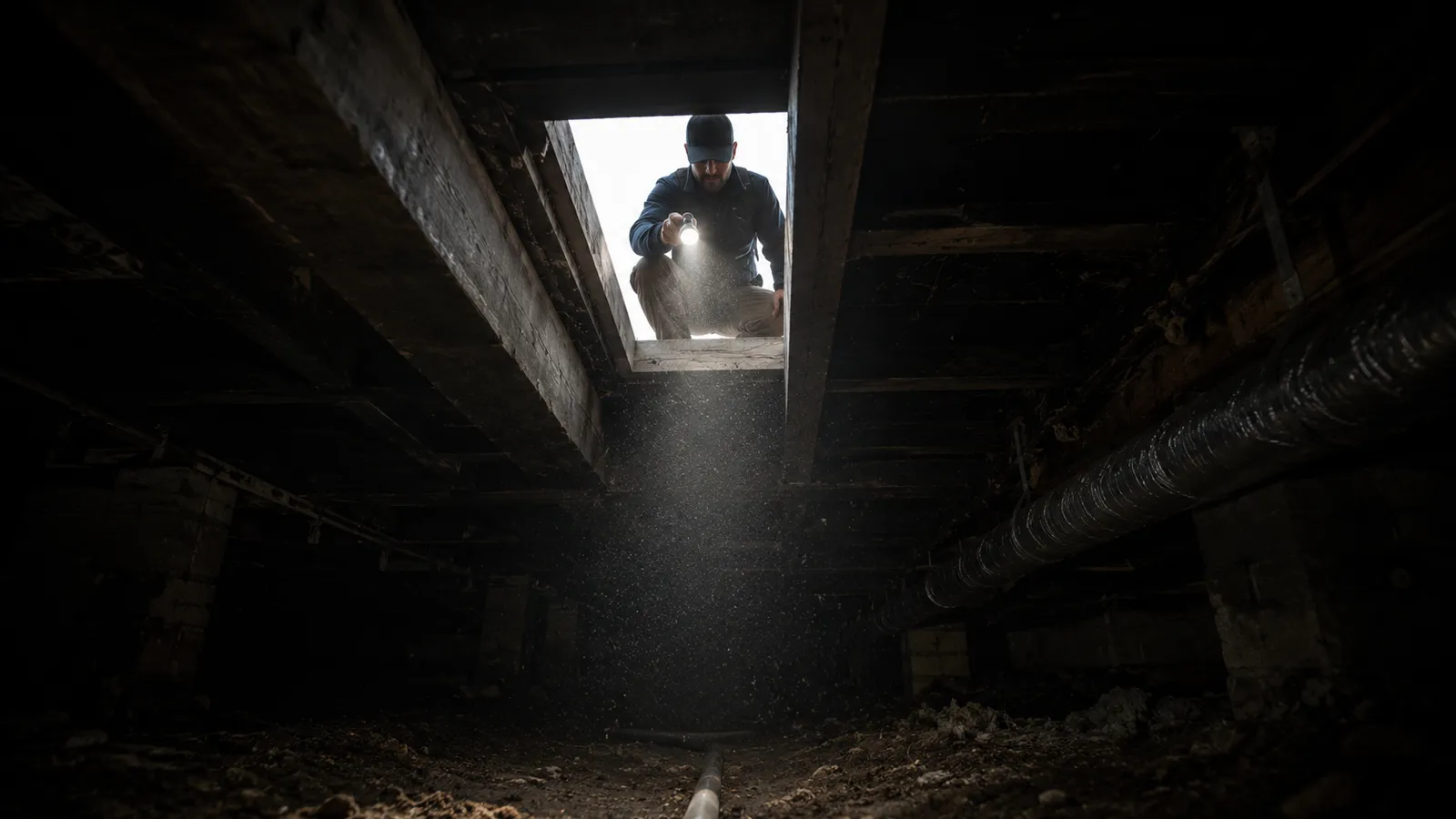
"Works offline" appears in almost every inspection software listing. In practice it covers a wide range of behaviour, from a genuine local-first architecture that survives a full day without signal, to a web page that caches its own interface and then quietly fails when you try to save.
The distinction matters because the failure is not graceful. Inspection data is not recoverable by retrying — the crawlspace has been backfilled, the tower has been descended, the loss site has been cleared. Data captured and lost is data gone.
Where inspections actually happen
Connectivity is not an occasional inconvenience in this line of work. It is absent by default in exactly the places inspections are required.
- Basements, crawlspaces, and plant rooms — below grade, surrounded by concrete and steel
- Elevator machine rooms and shafts — enclosed metal environments
- Telecom towers — where the technician is often above the coverage they are servicing
- Rural and remote properties — where coverage is thin or nonexistent
- Industrial sites and warehouses — steel structures that behave like Faraday cages
- Loss sites after a catastrophe — where local infrastructure may itself be damaged
The four levels of "offline"
| Level | What it does | What breaks |
|---|---|---|
| Cached interface | The app opens without signal | Saving anything. The screens load; the data has nowhere to go |
| Read-only cache | Previously loaded jobs remain viewable | New capture. Fine for reference, useless for recording |
| Queued writes | Actions are stored and sent later | Long sessions and large files — queues built for minutes, not a full day of photographs |
| Local-first | The device holds the working copy; the server is a sync target | Comparatively little — this is the architecture that survives real conditions |
Marketing language rarely distinguishes between these. The only reliable way to tell which level a product implements is to test it under the conditions you actually work in.
Questions worth asking before you rely on a tool
- Can I complete a full working day — eight hours, multiple jobs, several hundred photographs — with the device in airplane mode from start to finish?
- If the app is closed or the phone is restarted mid-inspection, what survives?
- What happens when device storage runs low? Does it warn, degrade gracefully, or fail silently?
- When a large upload is interrupted at sixty per cent, does it resume from sixty per cent or start again?
- Can I see, at any moment, exactly what has synchronised and what has not?
- If two people work the same job on different devices while both are offline, what happens to both sets of edits?
- Is the timestamp recorded when I captured the photo, or when it eventually uploaded?
That last question is more consequential than it appears. If upload time overwrites capture time, every offline inspection carries a false chronology — and in claims, compliance, and any dispute, chronology is evidence.
The failure modes that actually cause damage
Silent loss
The worst outcome is not an error message. It is an app that appears to save, shows the photo in the interface, and discards it at sync time. The inspector has no reason to re-shoot, and discovers the gap when the report is being assembled — by which point the site is inaccessible.
Invisible sync state
Field users are right to distrust synchronisation they cannot see. If the only feedback is a spinner, there is no way to know whether it is safe to leave the site. Sync status needs to be legible and per-item, not a global icon.
Blocking on the network
An interface that waits for a server response before acknowledging an action is unusable on a roof. Capture must complete locally first, immediately, with uploads continuing in the background.
Clock rewriting
Overwriting device capture time with server receipt time destroys the evidentiary value of the sequence. Both timestamps matter and both should be preserved — the discrepancy between them is itself information.
What a defensible offline architecture looks like
The pattern that survives real conditions is local-first: the device database is the working copy during capture, and the server is a synchronisation target rather than the source of truth. Every action commits locally and returns immediately. Uploads drain in the background, in priority order, resumably.
- Writes commit to local storage before the interface acknowledges them
- Evidence files are chunked and resumable, so an interrupted upload continues rather than restarts
- Original capture timestamps are preserved separately from receipt timestamps
- Conflicts resolve at field level, so two people editing different parts of the same record both survive
- Sync status is visible per item, with retry available for anything that failed
- Storage is monitored, with warnings before capture is at risk
How to test it in ten minutes
Before committing to any inspection tool, run this: put the phone in airplane mode, complete a realistic job including twenty photographs and a voice note, force-quit the app, reopen it, add more findings, then restore connectivity and watch what arrives. Check the timestamps on the synced photos against when you actually took them.
Ten minutes of that will tell you more than any feature list.
Use the result alongside the other questions for evaluating inspection report software, including evidence integrity, human review, and data portability.
Frequently asked questions
What does offline-first mean in inspection software?
Offline-first means the device holds the working copy of the data and the server is a synchronisation target, rather than the device being a thin client that needs a connection to function. Every action completes locally and immediately; uploads happen in the background when connectivity allows.
Can inspection apps work with no signal at all?
Properly built ones can, for a full working day including hundreds of photographs and audio. The determining factor is architecture rather than any specific feature — a cached interface is not the same as local data storage.
What happens to photos taken offline?
In a well-designed system they are written to device storage immediately with their capture timestamp and a content hash, then uploaded in the background in resumable chunks once connectivity returns. The original capture time should never be overwritten by the upload time.
How do I know my offline data actually synced?
You should not have to guess. Look for a per-item sync status view showing what is pending, what has uploaded, and what failed with an option to retry. A single global spinner is not sufficient feedback for work you cannot re-do.
What if two inspectors work the same job offline?
The system should merge at field level so that edits to different parts of the same record both survive. Row-level last-writer-wins silently discards a colleague's work, which is a particularly damaging failure because nobody notices.